
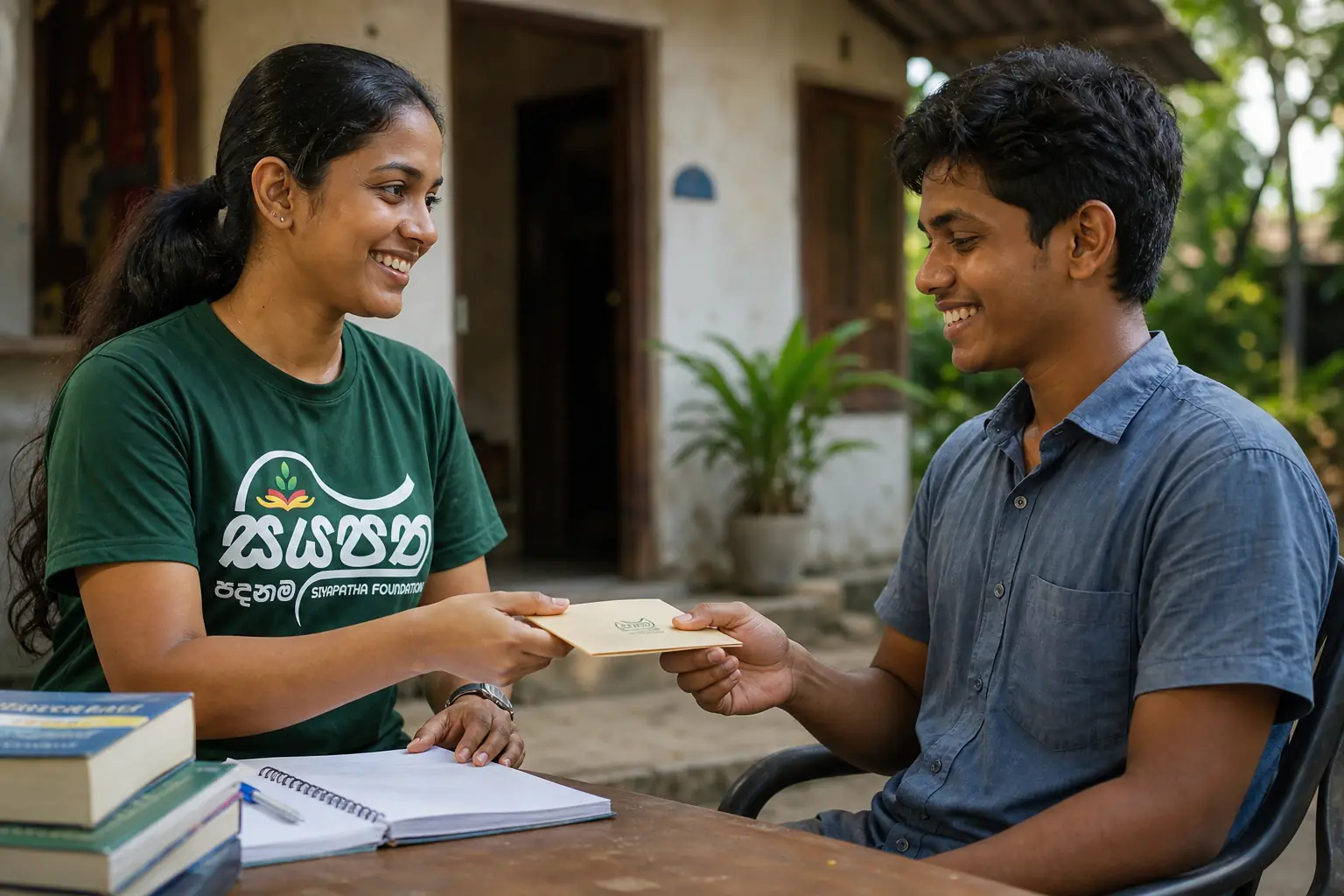
Monthly payments
A standing amount, month after month, so fees, travel, and meals do not pull a student out of class.
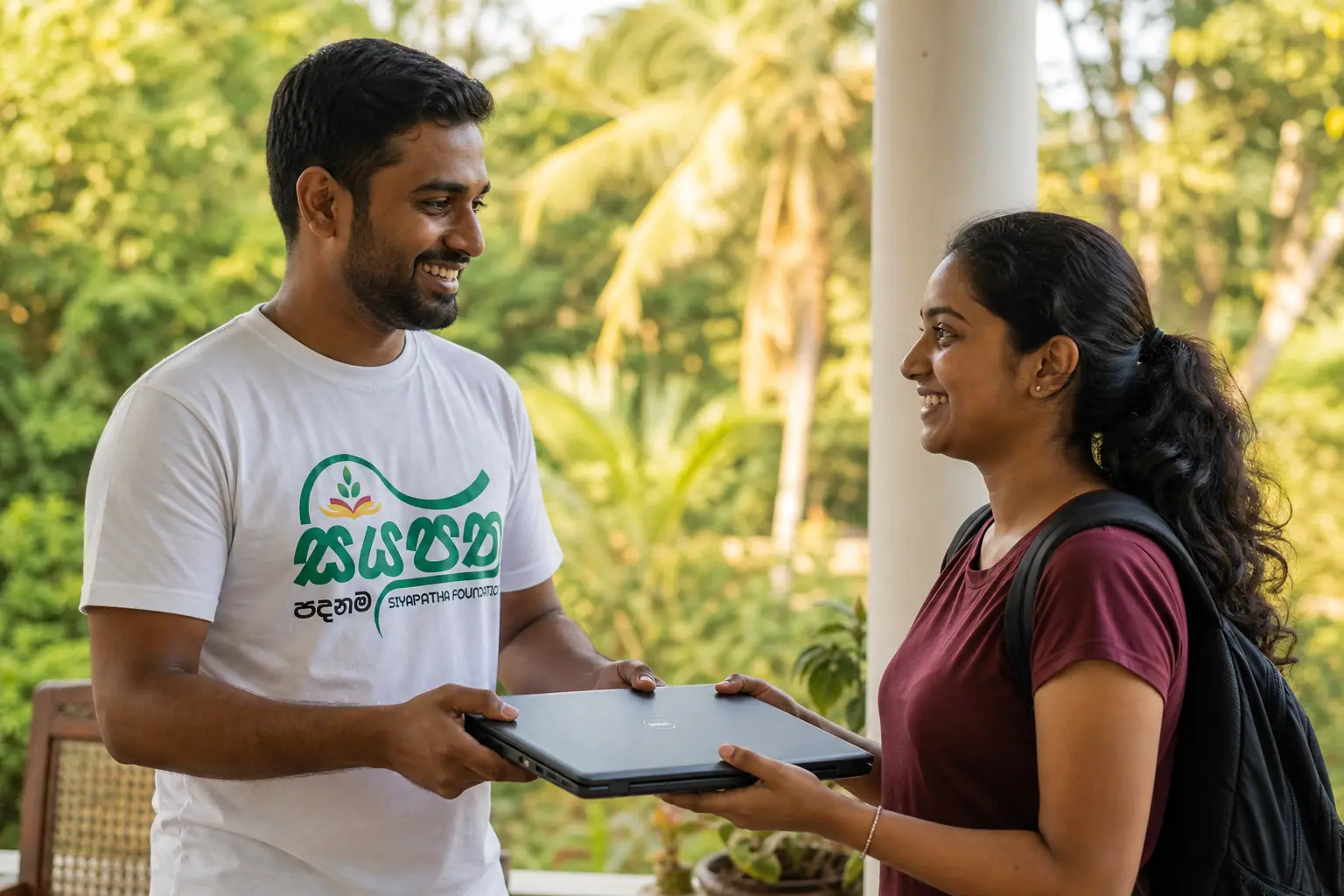
Apply openly for monthly support, laptop assistance, or school grants. Track your request with an access token — then sign in with Google or Microsoft after approval.
Siyapatha Foundation walks with students whose families cannot carry the full cost of staying in school or university. We do not replace a parent’s care. We stand beside it — so a bright student is not asked to stop because money ran out.
Education is not a favour. It is a path that should remain open.
Behind every payment, laptop, and grant is a person who can keep learning. These pictures are the feeling of that work: concentration, relief, belonging, and pride.
Photographs made to show the spirit of this work — not named students.


The foundation has kept three kinds of help close to the ground — practical, personal, and meant to last a school term, not a headline.
A standing amount, month after month, so fees, travel, and meals do not pull a student out of class.
A working computer for those who cannot buy one — so assignments, research, and online learning stay possible.
Help with school or university costs when a family cannot cover the term on their own.
Anyone can fill the Grant Questionnaire online. No registration before applying.
After submit you get an access token to view application progress.
When approved, an Admin assigns your email a Student role. Sign in with Google or Microsoft using that email.
Apply without creating an account. You will receive a token to follow your request.